Group Spreadsheet
The Group Vote Spreadsheet streamlines meeting coordination for executives by letting their EAs vote on proposed meeting times and add context in a live, collaborative document.
Popular use cases
This feature works best when coordinating with other EAs to schedule meetings between multiple busy executives. The tool eliminates lengthy email chains by providing quick, transparent, real-time updates.
Setup instructions
Step 1: Open Group Poll
Click "Group Polls" under "Quick Actions" on the right-hand side of the home page.
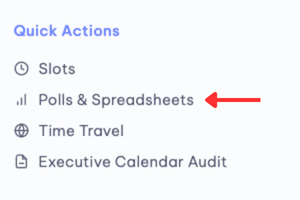
Step 2: Create a Spreadsheet
- Click "+ Create" in the right panel
- Choose "Create new spreadsheet" under the Group Spreadsheet option
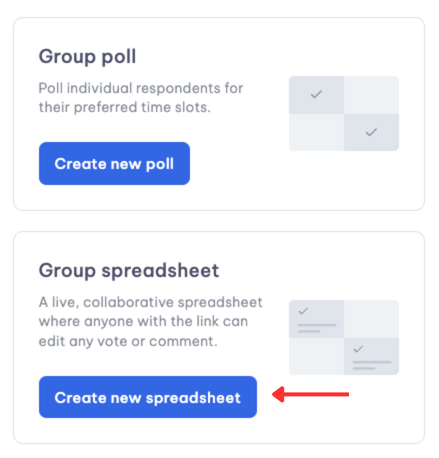
Step 3: Offering times
- Select and drag preferred time slots on the calendar
- Pro-tip: When inviting co-workers, their calendars overlay with yours, making it easier to identify mutually available times
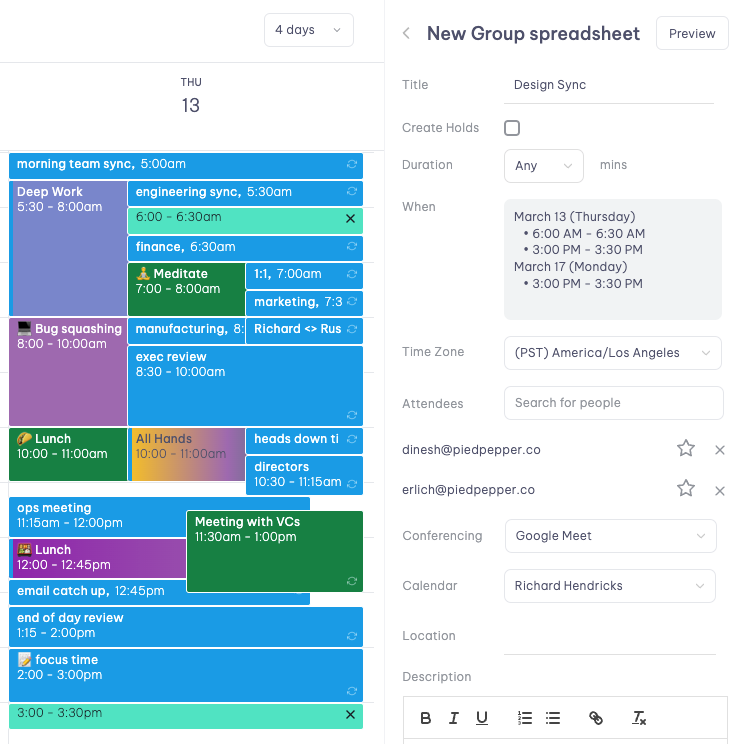
Step 4: Confirm invite details
- Title
- Duration
- Attendees
- Conferencing link
Sharing and voting
After saving, distribute the link via Slack, email, or WhatsApp. EAs can vote on available times, add contextual notes, or add more executives. Anyone with the link can access it, even non-Vimcal users.

Creating the meeting
Once votes are collected, return to Group Polls and select the "Create event" button to verify details.
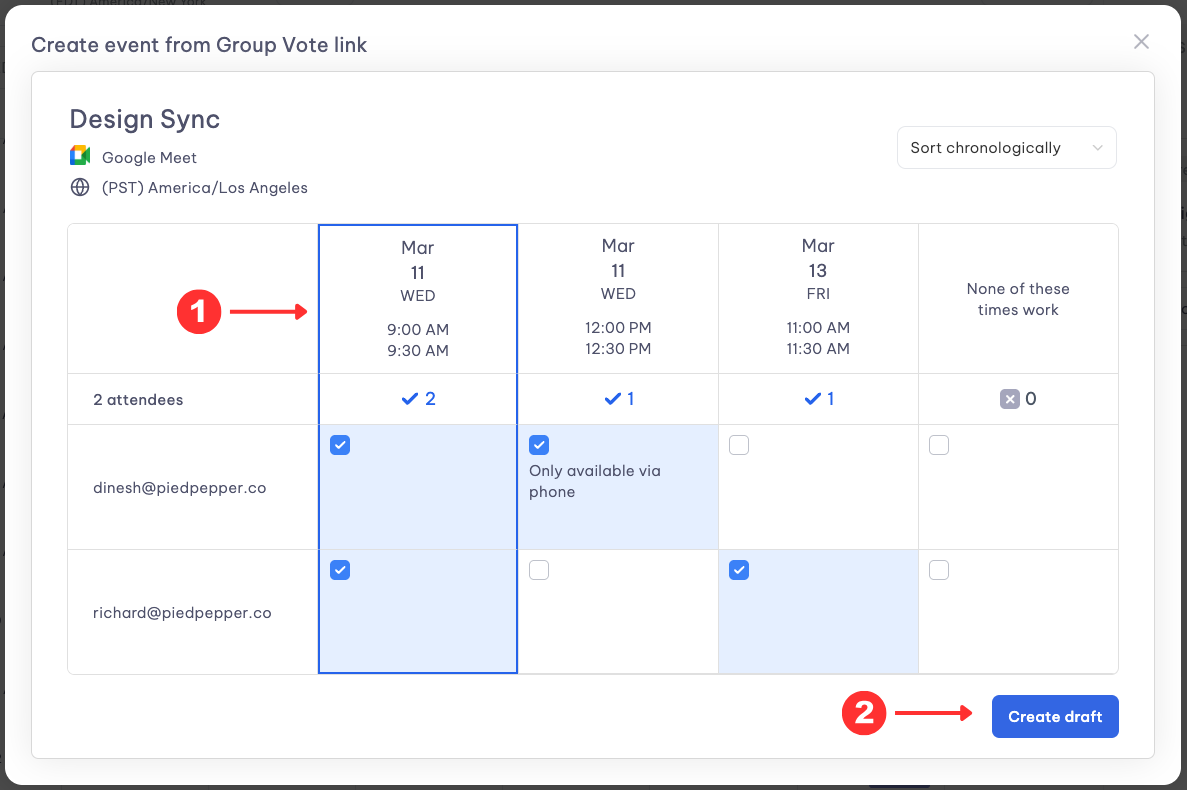
The system instantly creates the meeting and automatically sends email confirmations to all participants, enabling EAs to concentrate on higher-priority work.