Group Polls
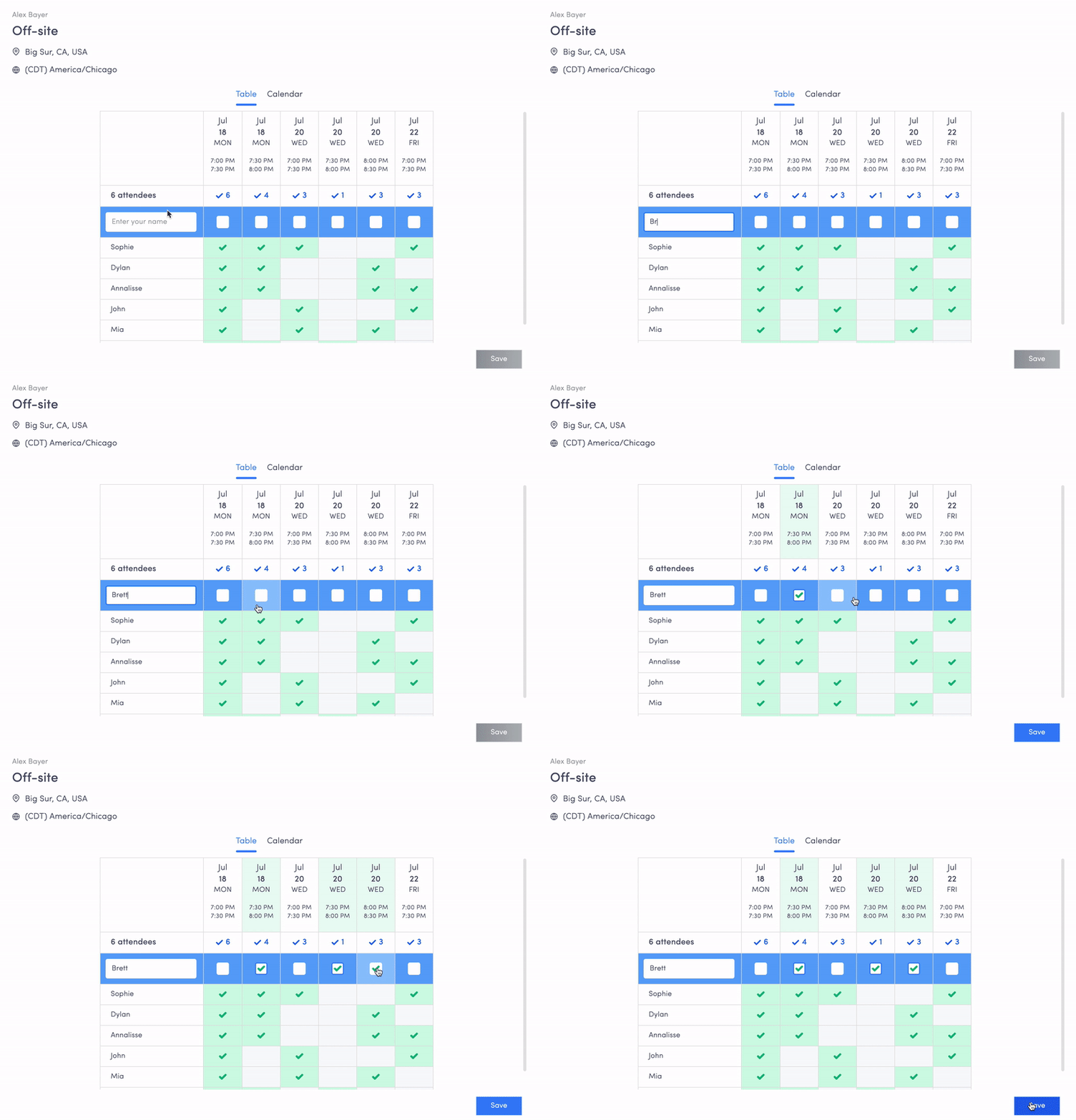
Group Vote allows you to easily find the best meeting time that works for everyone across a large group.
Where to find
- The circular light green button at the bottom right of your calendar
- Pressing "A" on your keyboard
- Command Center (Cmd + K for Mac or Ctrl + K for PC) and typing "Vote"
- Icon at the top left of calendar under "Availability Features"
Popular use cases
- Company off-sites — Effortlessly find a time that works for everyone
- Team-building activities — Coordinate without back-and-forth communication
- Recurring project meetings — Find the best time for regular check-ins and syncs
- Training or workshops — Ensure maximum attendance by picking the ideal time
Setup instructions
Step 1: Open Group Vote via Command Center (Cmd + K) and search for "Group Vote"

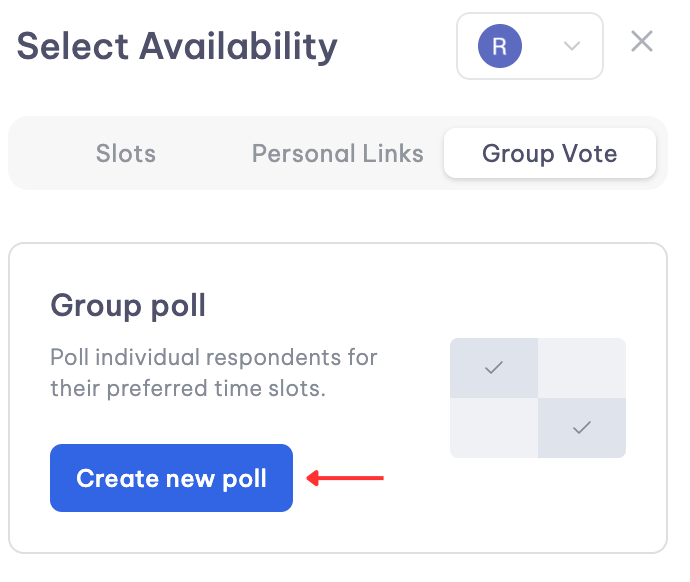
Step 2: Click "Create new poll" in the right panel
Step 3: Select and drag preferred time slots on the calendar
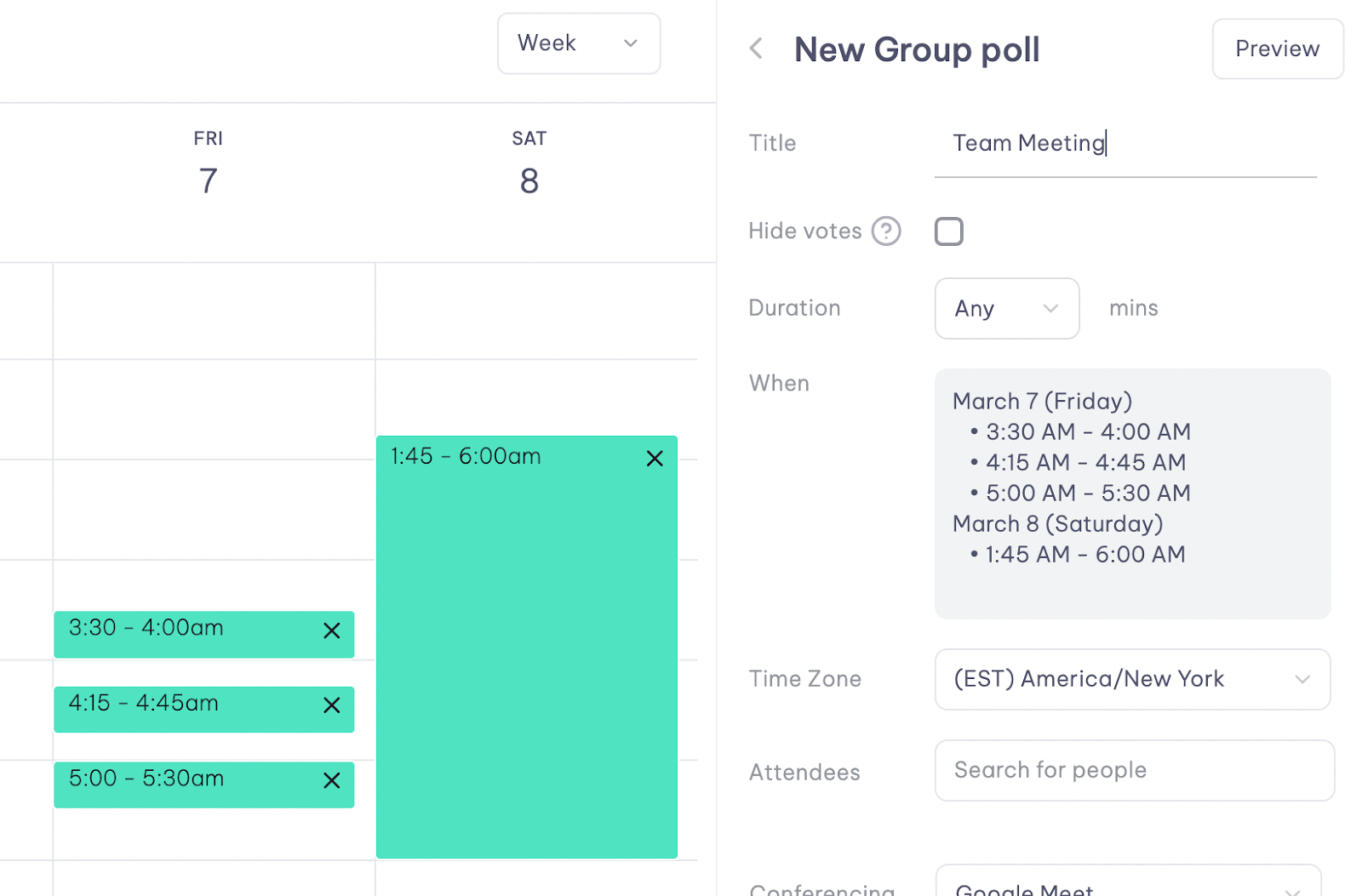
- Coworker calendars overlay with yours for spotting mutual availability
- Mark guests as critical using the star icon for prioritized voting
- Critical attendees display with gold stars in the spreadsheet

Step 4: Finalize with title, duration, attendees, and conferencing link
Sharing and voting
Share the poll link via Slack, email, or other channels. The link is accessible to non-Vimcal users.

Creating the meeting
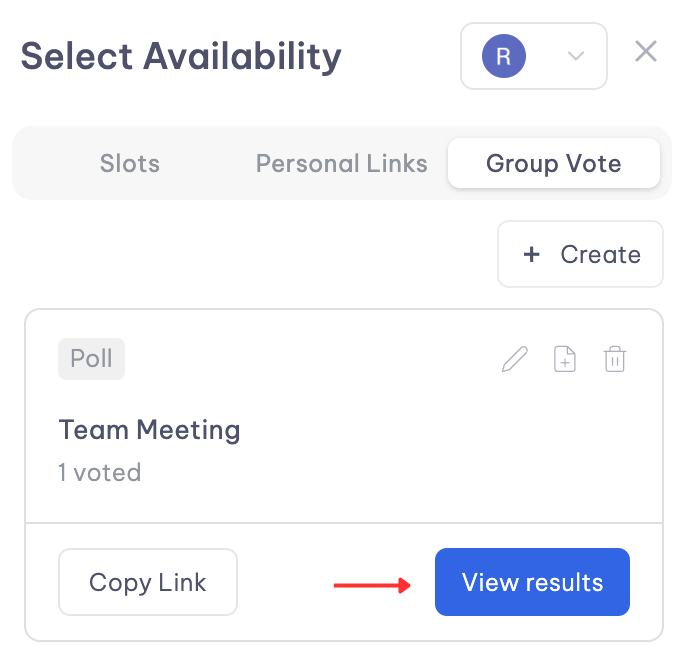
After voting, select "Create event" to schedule the meeting instantly.
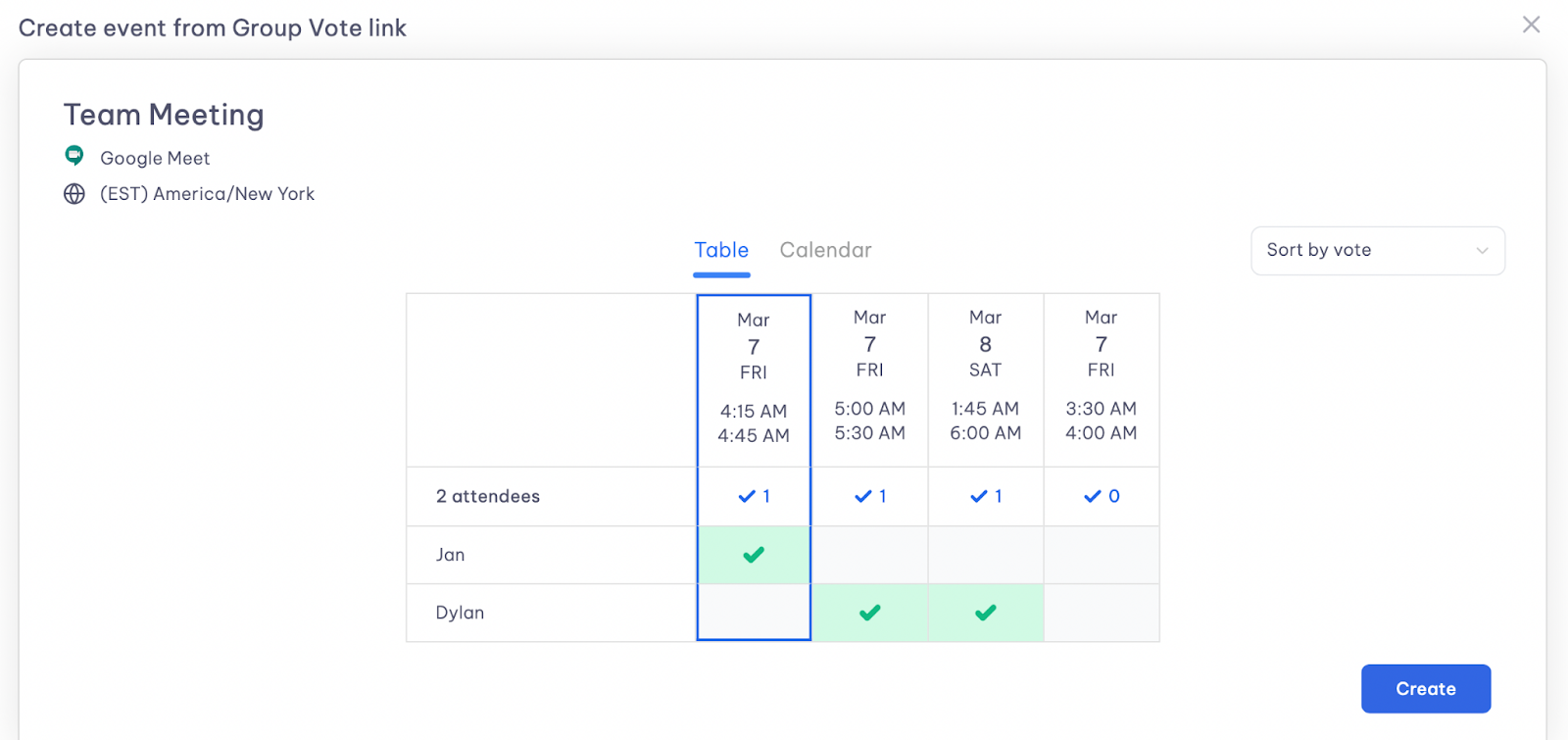
All participants receive email confirmations automatically.